My charts
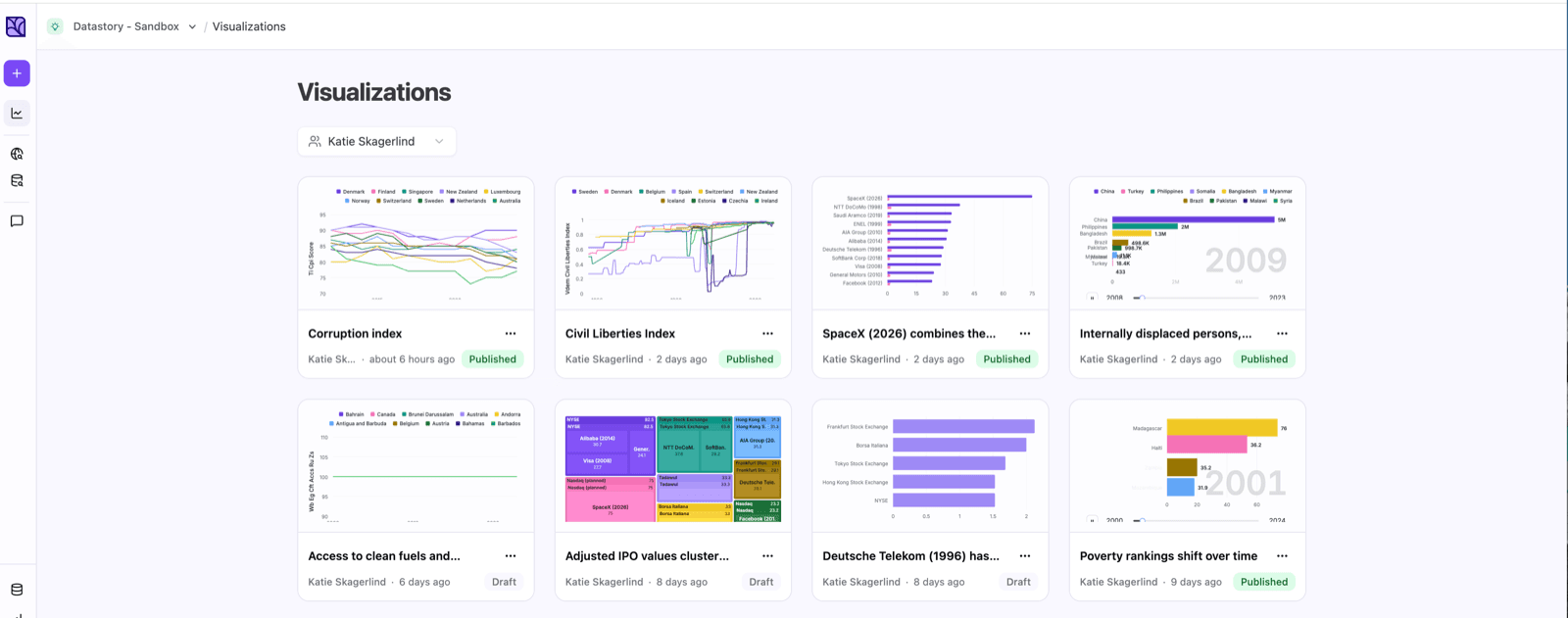
Every chart you create in Studio is saved to the Charts page. It’s your library of work, where you can find, open, and manage everything you’ve made.
Find your charts
In a shared workspace, use the creator filter at the top to show only your charts or a teammate’s.
Click any chart to reopen it in Studio and keep editing. Each card shows its title, who created it, when it was last updated, and whether it’s published or a draft.
Published vs. draft
A draft is only visible to those in your workspace. Once you publish a chart, it gets a shareable link and can be embedded or shared anywhere.
Publishing doesn’t lock it, you can keep editing and republish, or unpublish to take it offline.
Manage a chart
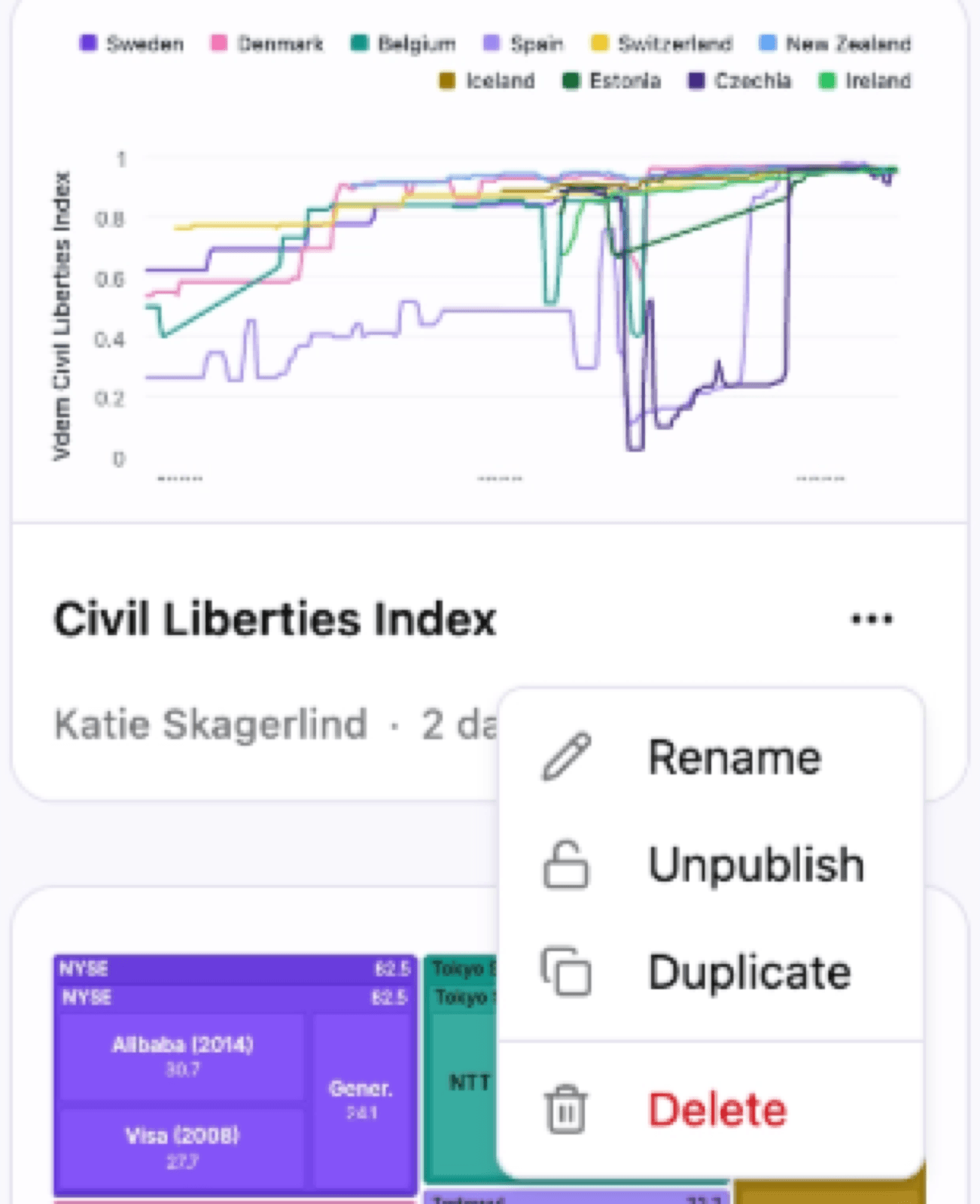
Open the ... menu on any chart card for these actions:
- Rename the chart.
- Publish a draft, or Unpublish a published chart to take it offline.
- Duplicate it to reuse the setup as a starting point for something new.
- Delete it. This can’t be undone!